What your team should be able to edit after a website handover
Agree the everyday publishing tasks, permissions, training, and support boundaries that make a website genuinely usable after launch.
 By Mubarak Bello · No-Code DevUpdated
 Define independence as a set of ordinary tasks
I judge a handover by what the person inheriting the website can do next. Can they publish a useful page, change the right content, and recognize when a request needs development? At No-Code Dev, that is the standard I want the build to support. An editable website is only the starting point; a clear publishing system is what makes it useful week after week.
The difference I care about: owning the next update
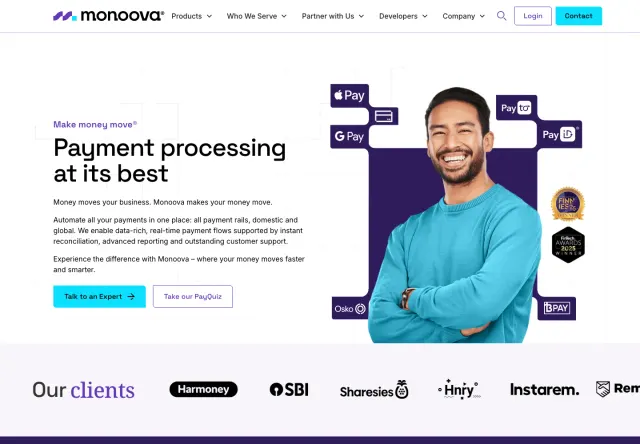
Monoova is a useful example of the distinction. My work there brought together reusable sections, structured CMS collections, and templated pages. Its marketing team can publish landing pages independently. The lesson I take from that work is to design around a real publishing task, rather than leaving editors to assemble a page from unrelated pieces.
Ask your future editor to describe the last update they could not make without help. Use that task to test the proposed CMS and handover.
Separate routine content from structural change
A useful content model gives repeated information a predictable home. Webflow Collections, for example, use fields and items to structure recurring content. Editors can then work with a title, summary, category, and images instead of reconstructing a layout. Decide which tasks belong in that system and which need design or development support. Adding a customer story is a different task from changing the entire case-study layout. Making that distinction explicit protects consistency while helping the team understand what it can do confidently.
Agree the editing scope before the build is finished
- The text, links, images, and repeated content entries the team should maintain.
- Which existing sections can be reused or reordered, and which layouts are intentionally fixed.
- Who can draft, review, publish, and change important settings under the chosen plan.
- How required fields, optional sections, image crops, and alternative text should be handled.
- Which changes need specialist support and how to request them.
- Who owns the domain, website account, billing, and connected services.
Use a real publishing task as the handover demonstration
Ask a future editor to create a representative case study using the delivered system while the developer observes. Start from approved content, add the title and summary, upload an image, supply its description, and select any categories. Preview the result on desktop and mobile. Then follow the actual approval and publishing steps. If the editor gets stuck, record whether the problem is a missing field, an unclear label, a permission issue, or a training gap. Fix the system where appropriate rather than explaining every rough edge away.
Test awkward content before it becomes someone’s deadline
Try a long title, an image with a different focal point, and a story without an optional quotation. Check links, empty states, and the page listing as well as the detail page. These are ordinary editorial conditions, not unusual edge cases. Agree what the editor should do when an asset does not fit. A recommended image size is useful; an example of a good crop is better. The template should make reasonable variation work without encouraging people to add random spaces or manually rebuild the page.
Hand over access through the right accounts
Document who owns each account and who is responsible for renewals. Use invitations and suitable roles instead of shared passwords. Webflow supports client ownership with agency or freelancer collaboration under eligible plans and permissions; check the arrangement for your specific accounts. The handover should explain how access can be changed when team members or suppliers leave. Do not assume the person who received the first project email is automatically the right long-term owner of the domain or billing account.
Record training around tasks, not a tour of every menu
A short recording called “Publish a case study” is easier to reuse than a long, unstructured walkthrough. Pair each recording with a small written checklist, the relevant account link, and the person to contact if something fails. Keep demonstration content clearly separate from public content, and decide who maintains the instructions after the system changes. The goal is not to create a large documentation library. It is to help the next person complete a common task without needing to repeat the original handover meeting.
Make the first month part of the agreement
Ask editors to record the questions that arise during normal work. Some will need clearer guidance; others may expose a defect or a useful future improvement. At No-Code Dev, new builds include 30 days of fixes for issues within the delivered scope. New pages, features, and content production are separate. Agree those boundaries before launch so a request is assessed against a shared scope. If your team expects a regular flow of larger updates, discuss an ongoing care arrangement rather than assuming handover includes unlimited future development.
Sign off on capability, not a folder of files
A practical acceptance check is whether the intended editor can complete the agreed task, preview it, get the right approval, publish it, and find help when needed. Record any remaining restrictions. That is a clearer definition of a successful handover than counting training videos or listing the software used. Bring your most common publishing jobs into the first website conversation; they should influence the build long before the final handover call.
Sources & further reading
Working through this on your site?
Bring your questions. We’ll help you find a useful next step.